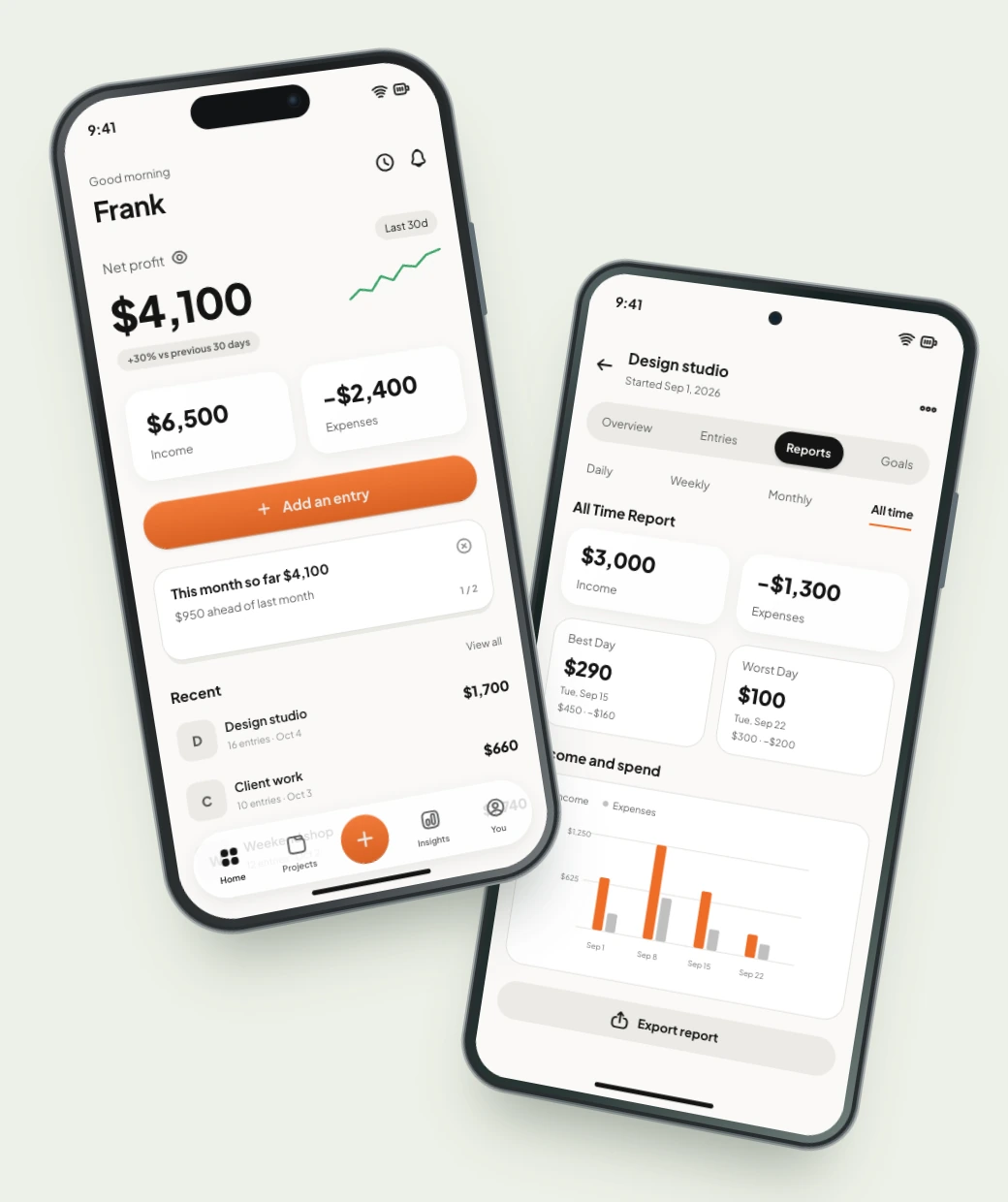

Which part of your business
deserves a closer look?

See income, expenses, and profit for your clients, jobs, projects, and more. Understand how each is doing and plan what comes next.

Rhydle walkthrough showing projects, income, expenses, goals and exports

Scattered numbers make decisions harder

Payments in your bank app. Receipts in your bag. You’re still updating the spreadsheet when it’s time to decide what’s next.

Your spreadsheetNot up to date
ProjectIncomeExpenses
Wedding video$3,000Missing
Client website$2,100Missing
Takes time to set up and keep updated
Loose receipt
Lens rental$180
Still in your bag
Bank payment
Client transfer$2,100 received
Which project was it for?

See what each brings you
Know what to do next

See income, expenses, and profit for each project, with a total across your work. Know what’s earning and what needs a closer look.

Your projectsThis month
Wedding video
Income $3,000Expenses $1,300
$1,700Project profit
Client website
Income $2,100Expenses $2,400
−$300Project loss
Profit across both projects$1,400
Income $5,100Expenses $3,700

Create a project for
each part of your work

Create a project, then add your numbersWorkflow video placeholder
  1. Create your project

    A client, a product, a job. Give each its own name and space.

  2. Set your goals

    Choose an income target or a goal that fits what you are working on.

  3. Add your first entry

    Enter what you made and what you spent. Your project profit updates with it.

Download Rhydle

See the difference
Consider your next move

Compare projects side by side to understand how their results differ. Keep going, change something, or look more closely. Start with your numbers.

Compare two projects side by sideComparison video placeholder

Export anytime
in your favorite format

Take your project records with you in Excel or CSV. Choose a format that fits what you want to do next.

Choose Excel or CSVExport video placeholder

A few things
before you start

Can I start for free?

Yes. Rhydle has a free version for tracking income and expenses. Rhydle Pro adds features including project comparison, unlimited projects, and full history.

Can I use it for clients, jobs, or projects?

Yes. Rhydle is an iPhone and Android app for tracking income and expenses by project. A project can be a client, job, product, or another activity. Give each one its own place to see its results separately. See how to track clients and jobs.

How does Rhydle calculate project profit?

Rhydle subtracts the expenses you record from the income you record for a project. Unrecorded costs and the value of your time are not included.

Can I export my project records?

Yes. Export project records in Excel or CSV on Free and Pro. Free covers active projects within your available history; Pro adds archived projects, custom date ranges, and full history. See how to export your records.

Can I set goals for a project?

Yes. With Rhydle Pro, set an income target or name a goal of your own, such as orders, app installs, or new clients, and track your progress.

Know what each project brings you

See what you made, what you spent, and what’s left. Available for iPhone and Android.

Rhydle Home on an iPhone beside project Reports on an Android phone